Two years ago I left my phone on a table at a wedding for maybe fifteen minutes. When I came back it was gone. Someone found it near the parking lot an hour later and handed it to the venue staff. Nothing was stolen. But that fifteen minutes of not knowing what could have happened stuck with me way longer than it should have.
My phone at the time only had the stock lock screen that came with the device. A basic pattern that I had been using for almost two years without changing it once. That night I realized how little thought I had actually put into securing something that holds my entire life. Messages photos banking apps everything.
So I started digging into pattern lock apps properly. Not just the default Android security settings but actual third party apps built specifically for this job. This article is what came out of months of trial and error since then.
The Difference Between Screen Lock and App Lock
Before I go further I want to clear up something that confused me at first. There are two separate things people mean when they say pattern lock.
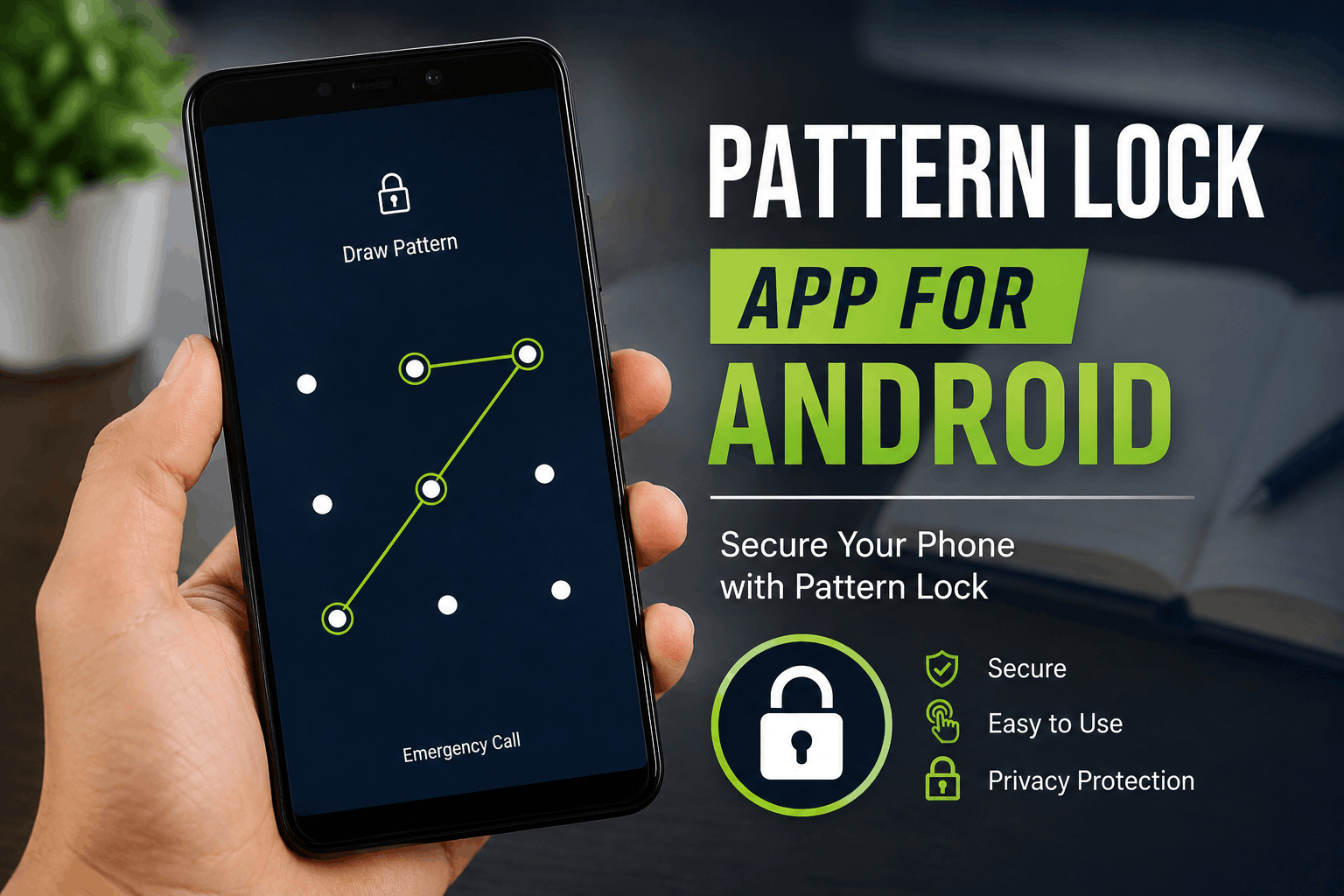
One is the screen lock. This is what stops someone from even entering your phone. Android and Samsung both have this built in already through Settings and Security.
The other is an app lock. This locks individual apps inside your phone even after the screen is unlocked. So even if someone gets past your screen lock they still hit another wall trying to open your gallery or messages.
Most people only use the first one. I only used the first one too until the wedding incident. Now I use both and it genuinely changes how safe your phone feels.
Apps I Tried and What Actually Happened
I did not just read reviews for this. I installed these on my own phone and used each one as my main lock method for at least a week.
AppLock by DoMobile This became my long term choice. The pattern setup was quick and it let me pick exactly which apps needed protection. I locked my gallery WhatsApp and email. Everything else stayed open. One small thing I liked was the option to hide the app icon itself so it does not even show up as an app locker on my home screen.
Norton App Lock I gave this a real shot because I already trust Norton for antivirus stuff. The pattern lock worked fine but what stood out was a feature that snaps a photo when someone enters the wrong pattern a few times in a row. I actually tested this on purpose by entering wrong patterns myself and it worked exactly as expected.
Perfect AppLock This one had a cleaner design than most others I tried. Setup was fast and it barely used any battery in the background. My only complaint is the free version shows ads between certain actions which got a little annoying after a while.
AppLock Fingerprint Despite the name this app supports pattern lock as well not just fingerprint. I tried it mainly out of curiosity and it worked fine but felt like a smaller less polished version of the other apps on this list.
After going through all of these DoMobile AppLock is still what I use today. It has been over a year now and it has never once failed to open when I needed it or crashed unexpectedly.
Step by Step Setup That Actually Works
Here is the exact process I now follow anytime I set this up on a new phone or help a family member do the same.
Step 1: Download only from Play Store This matters more than people think. A modified lock app from some random APK site can carry malware since it needs deep access to your phone to function. I always tell people to check the developer name and review count before installing anything related to security.
Step 2: Create your pattern thoughtfully Avoid shapes like a simple square or the letter Z. These are extremely common and easy to guess by anyone glancing at your screen. Try crossing your own lines and using at least six points for something harder to copy visually.
Step 3: Select which apps actually need locking Do not lock every single app on your phone. I made this mistake early on and ended up unlocking apps constantly throughout the day which got frustrating fast. I now only lock apps that hold something personal or financial.
Step 4: Enable the intrusion detection feature if available Apps like Norton and some versions of Smart AppLock offer this. It takes a photo of anyone who enters the wrong pattern multiple times. This alone has caught a friend of mine trying to snoop through his sister’s phone.
Step 5: Set a backup recovery method immediately Most apps offer a security question or backup email option. Set this up the same day you install the app. I once forgot my pattern on a locked gallery app and had no backup set. It took almost three days of trying different combinations before I got back in.
Step 6: Test the setup with someone else Hand your phone to a friend and let them try to guess the pattern or bypass the lock naturally. This shows you real weaknesses that you cannot see yourself since you already know the pattern.
A Situation That Changed How I Think About This
A few months after setting everything up my phone was actually picked up by my nephew who is pretty good with tech for his age. He is twelve and manages to unlock most family phones through guessing common patterns or watching people type. He got past my screen lock in under a minute by watching the finger movement from across the room.
He did not get anywhere near my gallery or messages though because those apps had their own separate pattern through DoMobile. That moment made the whole double lock setup feel worth it instantly. A single lock is only as strong as how careful you are about someone watching you unlock it.
Mistakes I See People Make All the Time
Reusing the same pattern for everything If your screen lock and app lock share the same pattern you have really only built one layer of protection instead of two.
Choosing a pattern that spells something obvious Letters numbers and simple shapes are the first thing anyone tries when guessing a pattern.
Never checking app permissions Some app lockers request access way beyond what locking apps requires. If a lock app asks for contacts or SMS access without a clear reason it is worth avoiding.
Skipping the backup recovery step I already shared my three day lockout story. Set your backup method the same day you install the app not after you actually need it.
Assuming screen lock alone is enough A screen lock protects the front door. It does nothing once someone is already inside your phone through a shared device or a moment where your screen was left unlocked.
Final Thoughts
That fifteen minutes at the wedding taught me more about phone security than years of just accepting the default settings. A pattern lock app is such a small thing to set up but it genuinely changes what happens in those moments where your phone ends up in someone else’s hands even briefly.
If you want something simple and dependable DoMobile AppLock has worked flawlessly for me for over a year now. If you want extra features like intrusion photos Norton App Lock is worth trying as well.
Whatever you pick take the ten minutes to set it up properly. Your phone carries more of your actual life than most people stop to think about until something like a missing fifteen minutes forces you to.