My hands were covered in flour halfway through baking something for my niece’s birthday when my phone buzzed with an important call. I could not touch the screen without ruining it and I definitely was not going to answer with greasy flour covered fingers pressing a pattern lock. That single moment made me curious about voice unlock apps for the first time. I had heard about them for years but never actually bothered installing one until that day.
What followed was a few weeks of testing different voice lock apps trying to figure out if this whole idea was actually useful or just a gimmick. Some of what I found surprised me. Some of it also made me realize this is not something I would trust for anything truly sensitive.
What Voice Screen Lock Actually Is
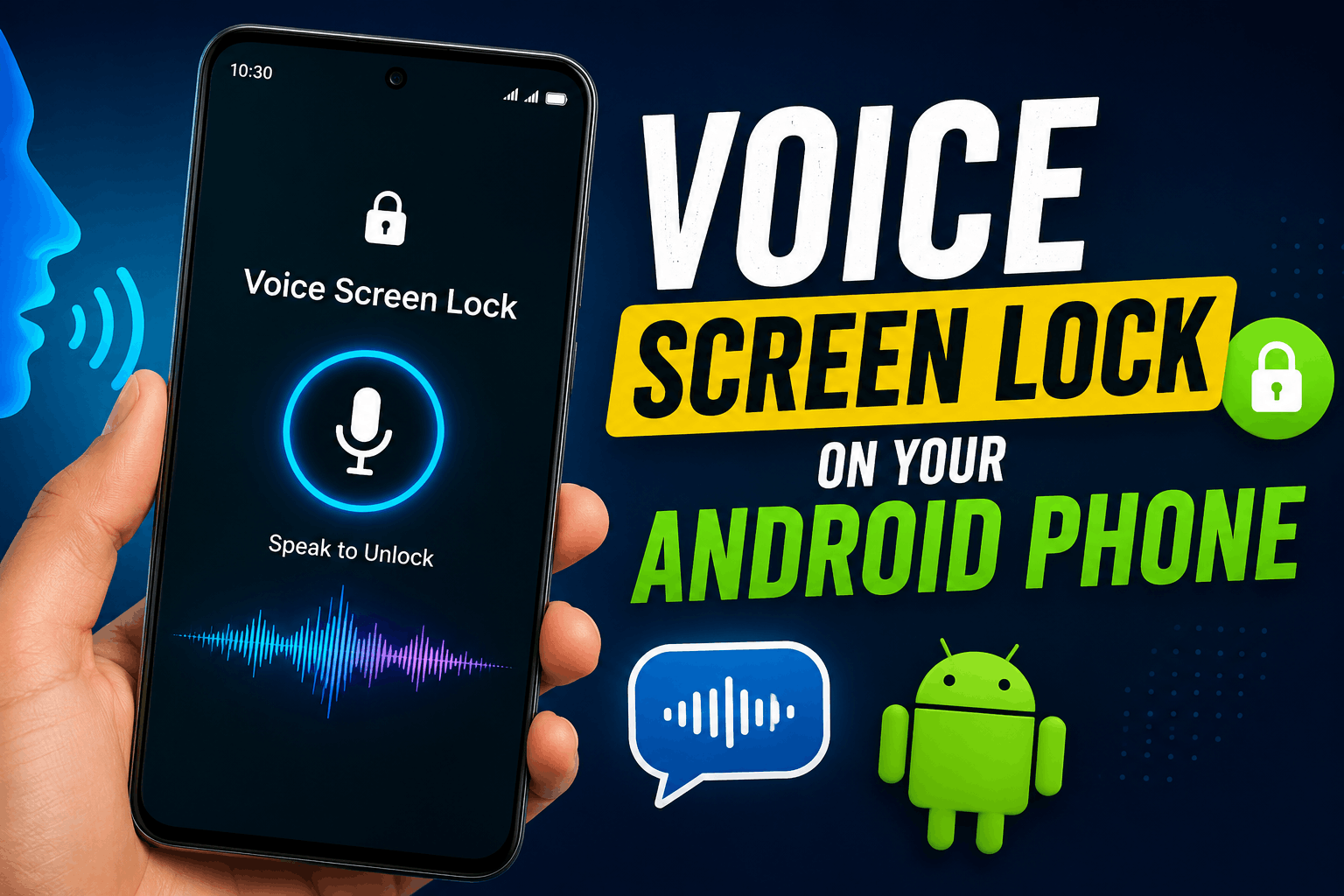
Voice screen lock is not something built directly into stock Android the way fingerprint or face unlock is. Google focuses more on things like Assistant voice commands and biometric unlock these days rather than a dedicated voice password system.
Instead this feature comes from third party apps you install from the Play Store. You record a specific phrase or word once during setup and the app tries to recognize your voice saying that same phrase again later to unlock your phone.
It sounds futuristic on paper. In practice it works a bit differently depending on which app you use and how good your phone microphone is.
The Apps I Actually Tried
I tested a handful of these apps over about three weeks using my own phone as the main lock method during that time.
Voice Lock Screen by TDCO This one let me pick between voice PIN pattern or fingerprint which felt smart since voice alone can fail sometimes. Setup involved recording my chosen phrase a few times and it worked reasonably well in quiet rooms. The moment I tried it in a slightly noisy kitchen though it failed more often than I expected.
Voice Lock Speak to Unlock by SM Infotech This app had a nice extra touch letting me set a fake icon so it does not look like a lock app sitting on my home screen. The voice recognition itself felt about the same as the previous app. Quiet environment worked fine. Any background noise from a fan or television caused noticeable misses.
Unique Voice Screen Lock This felt like an older simpler app compared to the other two. It got the job done but recognition speed was slower and I noticed it asked me to repeat the phrase more often than the other apps.
None of these felt bad exactly but none of them felt like something I would rely on for my banking apps either. They all shared one thing in common though. Every single one required a backup PIN or pattern during setup which honestly tells you something about how confident even the developers are in voice alone as the only lock method.
Step by Step Setup Based on What Actually Worked for Me
Here is the process I now recommend after going through the trial and error myself.
Step 1: Pick a quiet moment to record your phrase Do this in a calm room without background noise. The app needs a clean sample of your voice to compare against later so a noisy setup leads to worse recognition down the line.
Step 2: Choose a phrase that is easy to say the same way every time Something short and natural works better than a long sentence. I originally tried a longer phrase and found myself saying it slightly differently each time which confused the recognition.
Step 3: Always set a backup PIN or pattern Every good app requires this anyway but do not skip it or treat it as an afterthought. Voice recognition can fail in noisy places or if you have a cold and your voice sounds different than usual.
Step 4: Test it in different environments right after setup Try it in your bedroom your kitchen and somewhere with a bit of background noise like near a fan or television. This tells you honestly how reliable the app will actually be day to day rather than just in a perfect quiet test.
Step 5: Keep your phrase private This sounds obvious but I noticed some people record phrases like their pet’s name or their own name out loud in public places which somewhat defeats the purpose if someone nearby hears it clearly.
A Real Situation That Changed My Mind a Little
During a road trip a friend of mine was in the car with me and jokingly tried repeating my unlock phrase in a similar tone just to see what would happen. It actually failed to unlock my phone which was a small relief. The apps I tested do seem to genuinely try matching your specific voice pattern rather than just the words themselves.
That said I also noticed my own voice sounded slightly different when I had a cold last month and one of the apps failed to recognize me twice in a row until I fell back on my PIN. This showed me clearly that voice lock works best as a convenience feature rather than your main line of defense.
Where Voice Lock Actually Makes Sense
I ended up keeping voice lock enabled specifically for my main screen lock rather than for anything holding sensitive information like banking apps or private messages. It works great for situations like cooking with messy hands driving hands free through a car mount or when your fingers are wet after washing dishes.
For anything that actually protects money or private conversations I still rely on a proper pattern lock or fingerprint through an app like AppLock since that has proven far more consistent in my experience.
Common Mistakes to Avoid
Relying on voice lock as your only security layer Always keep a backup PIN or pattern active and treat voice as a convenience option rather than a full replacement.
Choosing an overly complicated phrase A long or awkward phrase leads to more failed attempts since natural speech patterns shift slightly every time you say it.
Setting it up in a noisy environment The initial recording quality matters a lot. A clean quiet setup leads to noticeably better recognition later.
Announcing your phrase around others regularly If people around you hear your unlock phrase often it stops being much of a security feature at all.
Expecting perfect accuracy every single time Even the better apps I tried occasionally needed a second attempt especially in noisy rooms or when my voice sounded off due to a cold or being tired.
Final Thoughts
Voice screen lock genuinely surprised me in some good ways and reminded me of its limits in others. It is not going to replace fingerprint or pattern lock as your main security method anytime soon based on what I experienced firsthand. But as a backup option for situations where your hands are simply not usable it earns its place on your phone.
If you try it go in expecting a helpful convenience feature rather than a bulletproof lock system. Set your backup PIN properly test it in different real situations and you will get a realistic sense of whether it fits into how you actually use your phone day to day.