A few months back, my cousin sent me a voice note that sounded exactly like a cartoon chipmunk. I laughed, asked what app she used, and she said “iWhatsApp, it’s got a voice changer built right into calls and voice messages.” I was curious enough to try it myself that same night. What followed was a mix of genuine fun, a couple of “wait, that’s not good” moments, and a real lesson about what these modded WhatsApp versions actually cost you.
If you’ve been hearing about iWhatsApp’s voice changer and wondering whether it’s worth downloading, I want to walk you through exactly what I found — the good, the annoying, and the stuff nobody warns you about before you tap install.
So What Is iWhatsApp Anyway?
First things first — iWhatsApp isn’t made by Meta or WhatsApp Inc. It’s one of those third-party modified versions of WhatsApp, similar to GB WhatsApp, FM WhatsApp, or YoWhatsApp. These apps take the original WhatsApp code and add extra features that the official app doesn’t have — things like hiding your “last seen,” sending larger files, custom themes, and yes, a built-in voice changer for calls and voice notes.
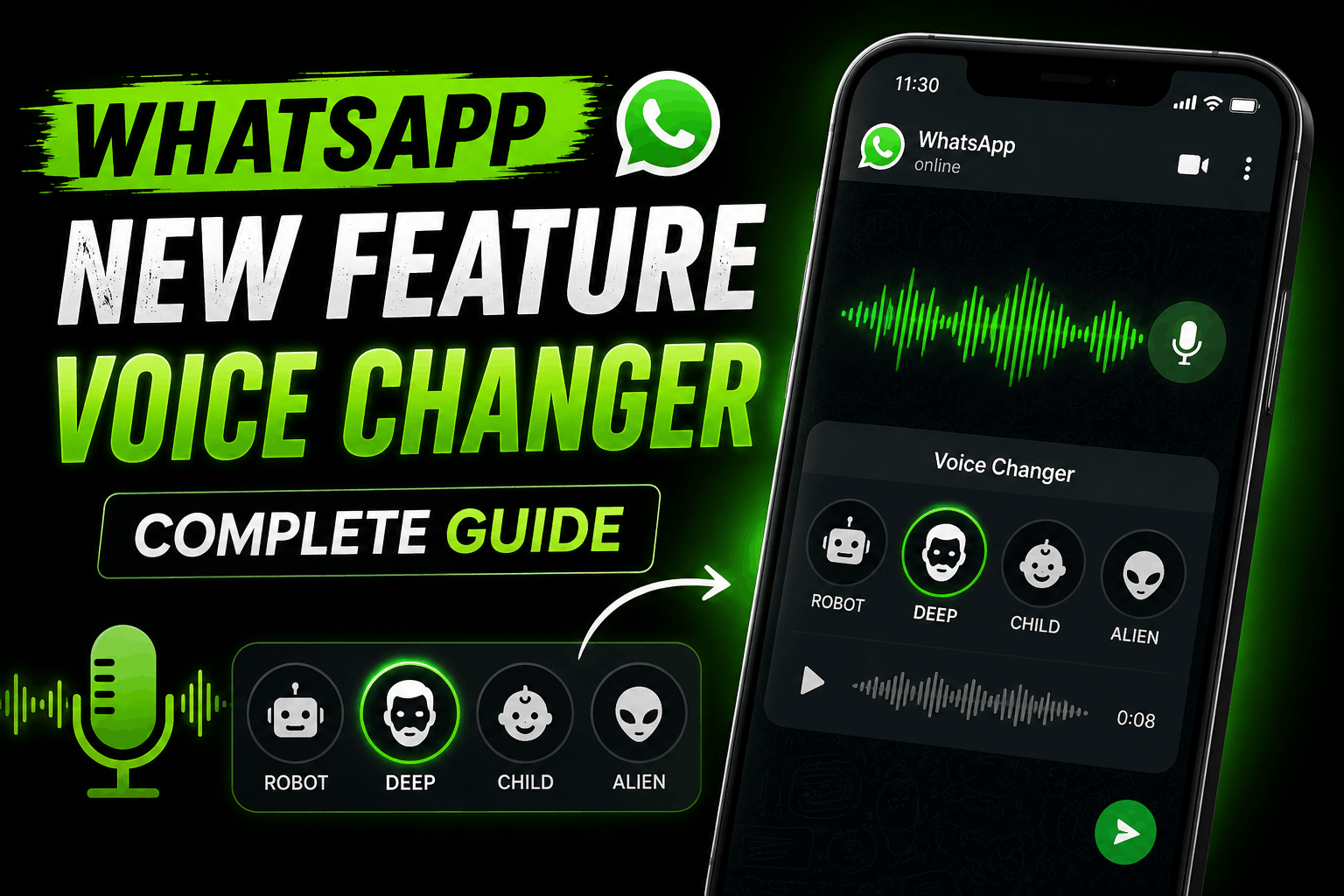
The voice changer itself works by running your voice through an audio filter in real time. When I tested it, there were presets like “robot,” “child,” “deep/echo,” and a couple of cartoonish pitch-shift options. You just pick a filter before recording a voice message or starting a call, and it distorts your voice on the fly.
Sounds fun, right? It kind of is. But there’s a lot going on under the hood that most people don’t think about.
My First Impressions (And First Mistake)
I downloaded it from a random APK site because, obviously, it’s not on the Google Play Store — official WhatsApp doesn’t allow apps like this to be distributed there. That right there was my first mistake, and I didn’t even realize it at the time.
I installed it, logged in with my actual phone number (second mistake), and started playing around with the voice filters in a call with my brother. The “robot” filter was genuinely funny. The “chipmunk” one made my nephew laugh so hard he almost dropped the phone. For about a week, it was a fun little novelty.
Then things got weird.
The Problems Nobody Mentions Upfront
About ten days in, I started getting way more spam-looking permission requests than I remembered normal WhatsApp asking for. Contacts access, storage access, and a background data permission that seemed unusually aggressive. I didn’t think much of it at first — until a friend who works in cybersecurity glanced at my phone and asked, half-joking, “why do you have GB WhatsApp’s cousin installed?”
That’s when I actually looked into it properly, and here’s what I learned:
These modded apps aren’t verified or reviewed by anyone. Unlike apps on the Play Store, there’s no App Store review process checking what the app is doing with your data in the background. You’re trusting a random third-party developer with access to your messages, contacts, and media.
Your account can get banned. WhatsApp’s terms of service explicitly prohibit using unofficial versions of the app. I know several people (including someone in a group chat I’m in) who lost access to their WhatsApp account entirely, with years of chat history gone, just for using one of these mods.
Updates come from unknown sources. Every time I “updated” the app, I was downloading a new APK file from a website, not through Google’s secure update system. That’s a wide-open door for malware if the site ever gets compromised or was shady to begin with.
End-to-end encryption trust breaks down. WhatsApp’s actual security promise is that even WhatsApp can’t read your messages. But once you’re running modified code from an unverified source, you genuinely don’t know what that code is doing with your messages before or after encryption.
None of this means the voice changer itself is some evil feature — it’s honestly a pretty simple audio filter. The real risk is everything else that comes bundled with it.
What I’d Actually Recommend Instead
After about three weeks, I deleted iWhatsApp and went back to the official app. But I still wanted the voice-changing fun for the occasional joke voice note, so I looked for safer ways to get that same effect.
Here’s what worked for me:
Step 1: Record your voice message using a separate voice changer app. Apps like Voice Changer with Effects, Voicemod (on desktop), or even the built-in filters in apps like Snapchat can distort a recorded audio clip.
Step 2: Save the modified audio file to your phone. Most of these apps let you export the changed voice clip as an MP3 or M4A file.
Step 3: Open official WhatsApp and attach the audio file. Instead of recording a live voice note inside WhatsApp, you send the pre-recorded, already-modified file as a document or audio attachment.
Step 4: For calls, use call-specific voice changer software. On Android, apps like Voice Changer for Calls or MagicCall let you apply a filter during an actual phone call — but note these usually work over your carrier line or a separate calling feature, not through WhatsApp’s own VoIP calls, since WhatsApp doesn’t allow third-party audio injection into its official call feature for good reason (that’s part of what keeps calls secure).
It’s an extra step compared to a built-in filter, sure. But you’re not handing over your entire account and chat history to an app nobody can vouch for.
Real Scenarios Where This Comes Up
A few situations where people actually want a voice changer for WhatsApp, based on conversations I’ve had:
- Pranking friends or family — the most common one by far, and totally harmless when done between people who know each other.
- Content creators wanting to disguise their voice for a bit they’re recording and sharing.
- Privacy-conscious users who want to send a voice note without their actual voice being identifiable, maybe when reporting something anonymously in a group.
For every one of these, the “record externally, then send normally” method covers the need without the account risk.
Common Mistakes People Make With This
- Logging into a modded app with your primary, daily-use number. If you’re going to experiment with something like this at all, use a secondary number or a spare device, not your main line with years of chats.
- Not backing up chats first. If your account does get flagged or banned, you lose everything unless you had a recent backup through Google Drive or iCloud.
- Assuming “lots of people use it, so it must be fine.” Popularity doesn’t equal safety. Plenty of widely-used mod apps have had data leak incidents reported over the years.
- Ignoring permission prompts. If an app is asking for more access than it logically needs for a voice filter, that’s worth pausing on.
Final Thoughts
I get the appeal — a voice changer built right into your chat app sounds convenient, and for about two weeks it genuinely was fun to mess around with. But once you actually sit down and think about what you’re trusting with your messages, contacts, and account, it stops feeling worth it.
If you want the novelty of a changed voice for a laugh with friends, do it the slightly longer way — record it separately, then send it through the real WhatsApp app. You keep the fun part without gambling your account or your data on an app nobody’s actually vetted.
Worth mentioning too: WhatsApp does occasionally roll out its own official experimental features, so it’s worth keeping an eye on updates from the real app rather than chasing mods for stuff that might show up officially down the line anyway.